BrandX | An online layout tool for brand presentation boards
Arrange logos, colors, typography, photos, and patterns on a single brand board with BrandX. Create layouts for client presentations, portfolio projects, and brand launches.
A logo on a white background shows the shape of the mark. Clients often want to see the rest of the identity alongside it. BrandX brings your logo, colors, typography, and imagery together on one board so a client or teammate can see how those choices work together.
Preview
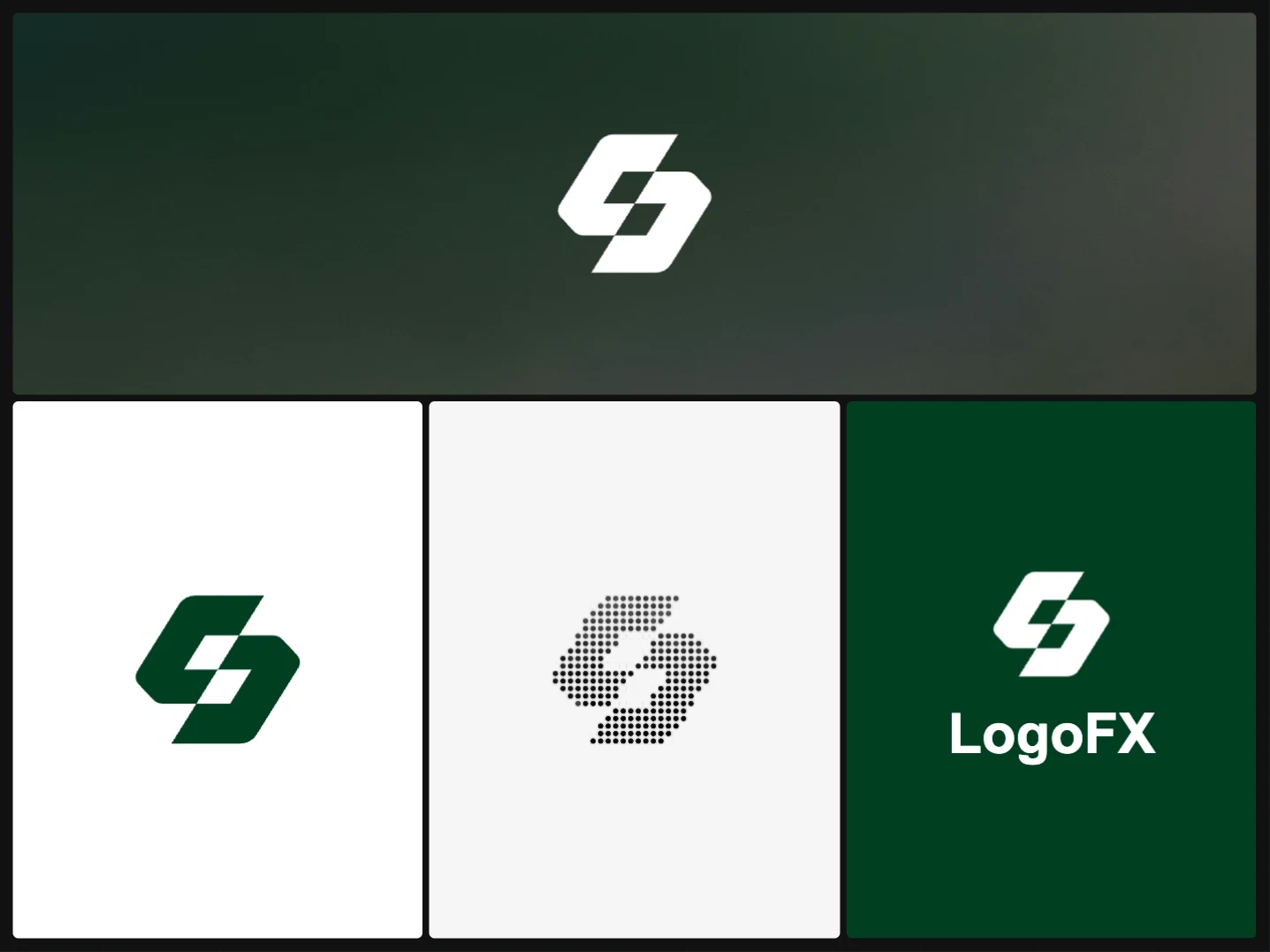
BrandX uses a bento grid made up of tiles of different sizes. Give the main logo a large tile, place the wordmark and color palette beside it, and use a wide tile for photography or a repeat pattern based on the logo. You can adjust tile sizes, positions, and spacing, and apply logo effects independently to different tiles. The result shows both the core identity and how it carries through to other artwork.
Export
For a client presentation, give the logo and palette the most space to keep the discussion focused on the brand direction. For a portfolio, leave more room for typography, patterns, and applications so viewers can explore the full design. With an active membership, you can export the finished board as a PNG or video.